Array Launcher
A minimal, fast Android launcher.
The idea
A phone's home screen fills up fast: rows of icons, red badges and a status bar full of notifications, each asking for one more tap.
Array Launcher's welcome screen sums up the answer: “Your home, minus the noise.” The home screen holds the time and the apps you pick, and everything else waits a swipe away.
The product
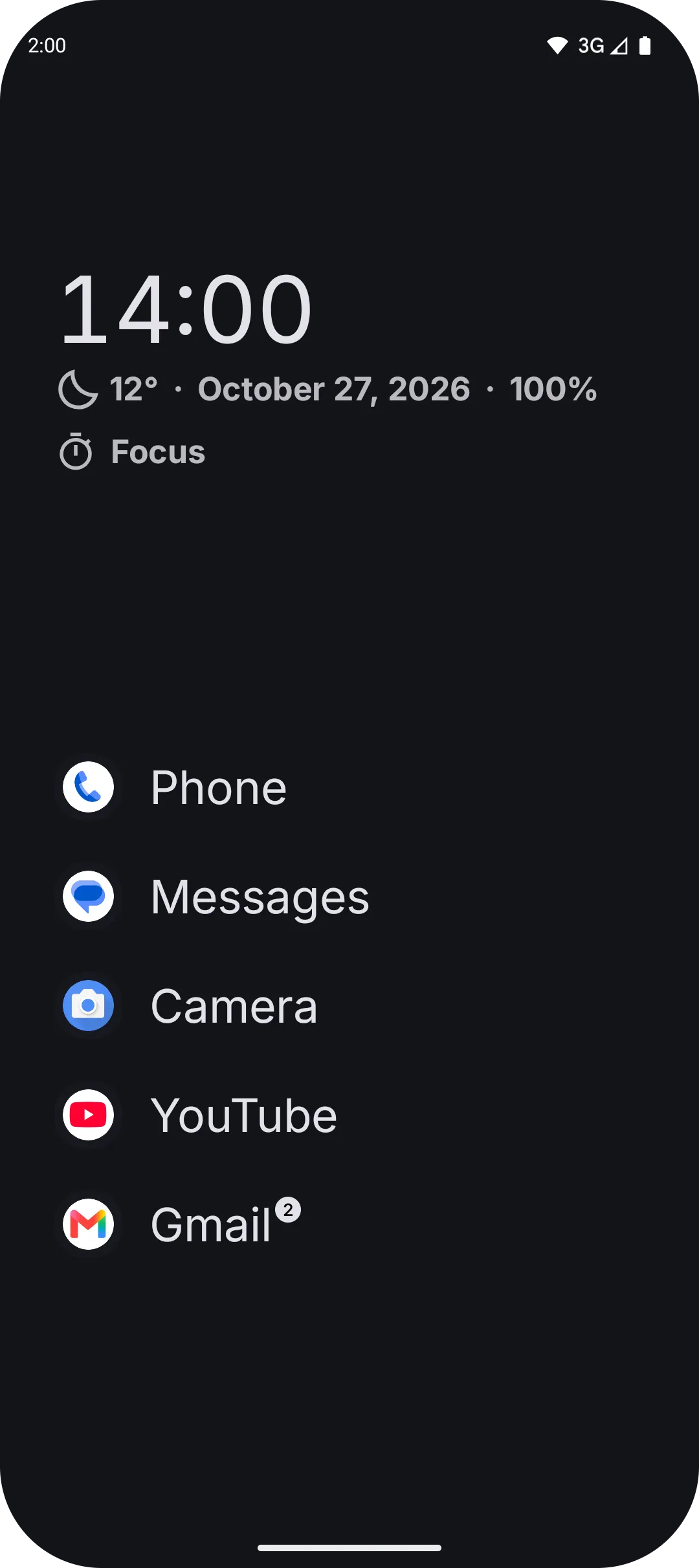
The home screen is a clock, a few quiet lines under it and the apps you chose, listed by name.
A quiet widget
Under the clock sit the date and the battery, and if you want them the weather, your next calendar event or what is playing.
Focus sessions
Tap Focus to start a session of 5 to 120 minutes. The home screen clears to the clock, Do Not Disturb turns on, and every fourth focus earns a long break.
Notifications on your terms
With the filter on, new notifications collect on their own page instead of the status bar, all day or only in the hours and days you set.
Search that guesses well
Names that start with what you type come first, initials like gm find Google Maps, and a sum like 12*3+4 is answered in the results.
An app list your way
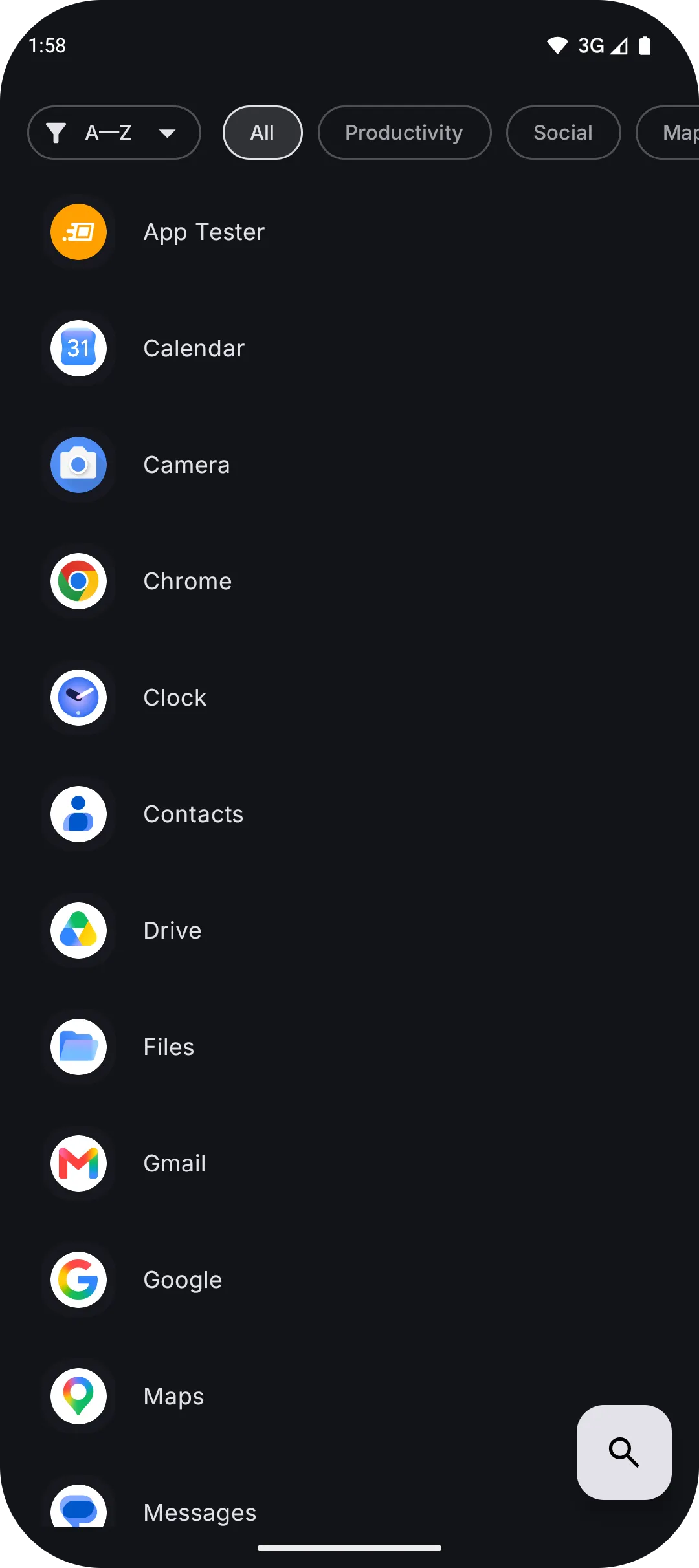
Sort by name, install date, last opened or size, filter by category, and rename or hide any app.
Screen time at a glance
Long-press an app to see how long it has been on screen today.
Technologies
The launcher is split into modules, one for each part from the home screen to the notification page, and tests guard the lines between them.
- Kotlin and Jetpack Compose
- The whole app, with Material 3
- Hilt
- Wires the modules together
- Room and DataStore
- Apps, notifications and settings, kept on the phone
- OpenWeather
- The weather, with the location rounded to about a kilometre
- kotlinx.serialization
- Backup and restore of every setting as one JSON file
- ArchUnit
- Tests that keep each layer out of the others